Google Education: What It Really Offers for Learning and Teaching
When you hear Google Education, a collection of free tools designed to support teaching and learning in schools and homes. Also known as Google for Education, it doesn't offer courses—it gives teachers and students the digital workspace to build, share, and collaborate. Think of it like a digital classroom toolkit: Gmail for communication, Drive for storing assignments, Docs for writing, and Google Classroom, a learning management system that organizes assignments, grades, and feedback in one place. It’s not a substitute for a curriculum, but it’s the backbone of how many schools run day-to-day learning—especially after the pandemic reshaped how education works.
What makes Google Education powerful isn’t fancy AI or flashy interfaces—it’s simplicity and accessibility. A student in rural India can submit homework on a phone using Google Forms. A teacher in a small town can grade papers on a tablet without buying expensive software. And because it’s free, schools with tight budgets can still give students access to the same tools as private institutions. But here’s the catch: it doesn’t teach you anything by itself. You still need good teachers, clear lessons, and real engagement. Digital learning platforms, online systems that deliver structured courses and track progress like Coursera or Udemy give you content. Google Education gives you the space to use that content. One is the textbook, the other is the desk where you study it.
Many people assume Google Education means AI tutors or automated grading, but that’s not what it is. It’s about reducing friction. No more printing 30 copies of a worksheet. No more lost USB drives. No more email chains with 20 people. It connects students, teachers, and parents in one ecosystem. And while it doesn’t replace specialized tools for coding, math, or language learning, it makes those tools easier to use. For example, if you’re using a digital learning platform to teach Python, Google Classroom lets you assign it, collect responses, and give feedback—all without switching apps.
So what’s missing? Deep curriculum design. Personalized learning paths. Real-time tutoring. Google doesn’t build those. It lets you plug them in. That’s why some schools pair it with Khan Academy for math or Duolingo for languages. It’s the platform, not the content. And if you’re a teacher, it’s your job to bring the content. If you’re a student, it’s your job to show up and use it well.
Below, you’ll find real stories and practical breakdowns about how Google Education works in practice—what works, what doesn’t, and how it fits alongside other tools teachers and learners actually use. Whether you’re trying to get your school to adopt it, or you’re just trying to survive online assignments, you’ll find something here that helps.
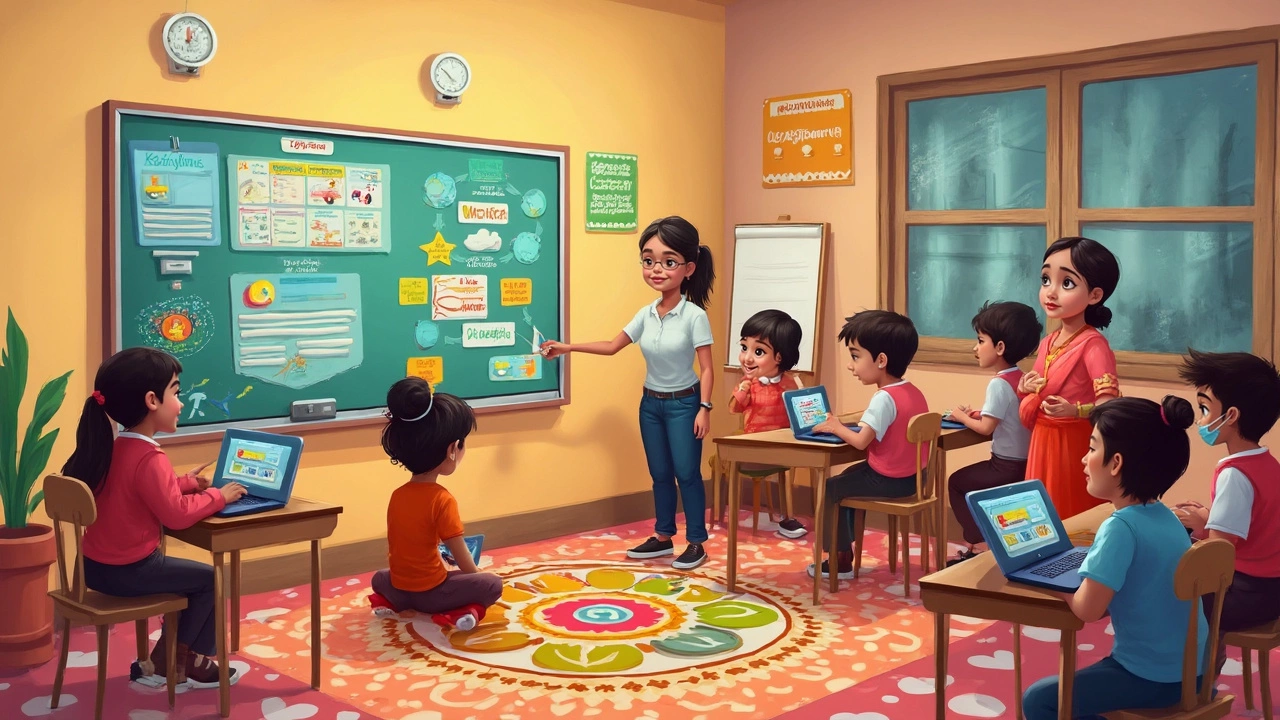
Explore the Google Education Platform: A Game Changer in E-Learning
In today's digital age, the Google Education Platform stands out as a pivotal tool transforming how students and educators approach learning. Offering a suite of innovative resources, it caters to the needs of learners and teachers alike, streamlining educational processes and enhancing collaboration. From Google Classroom's ease of use to Google Workspace's diverse features, these tools are designed to simplify and enrich the online educational experience. Learn how these digital solutions are reshaping the classroom and why they are becoming a staple in modern education.