E-Learning Platform Cost Calculator
Calculate Your School's Savings
See how much your institution could save by switching to Google Classroom
Results
When you think about digital learning, you probably picture someone watching a video on their phone or taking a quiz on a laptop. But not all platforms are created equal. Millions of students and teachers use different tools every day, and one stands out far above the rest-not because it’s the fanciest, but because it’s the most widely adopted across schools, universities, and workplaces.
Google Classroom is the most used digital platform for e-learning
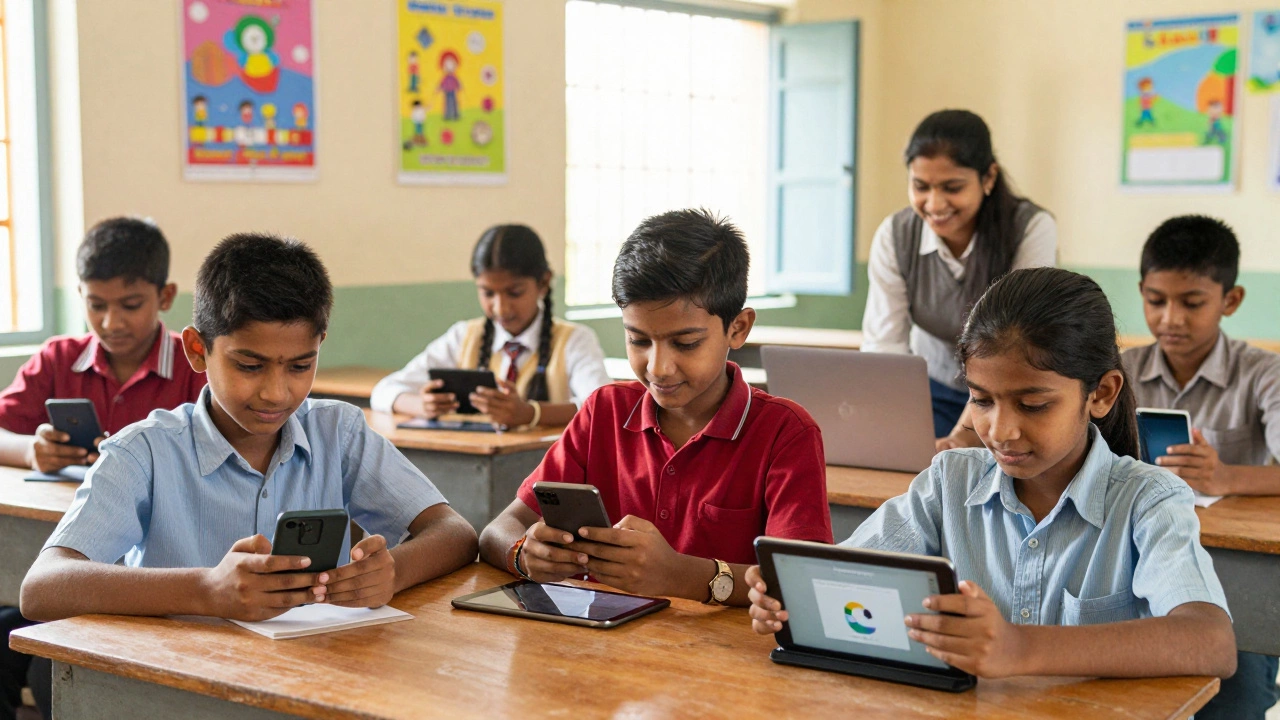
As of 2025, Google Classroom is the most used digital platform for e-learning. It’s not just popular in the U.S. or Europe-it’s used in over 180 countries, from rural schools in India to public universities in Brazil. Why? Because it’s free, simple, and works on any device with a browser. You don’t need to install anything. No login headaches. No complicated setup. Just sign in with a Google account and you’re in.
School districts in the U.S., the U.K., Australia, and across Southeast Asia have rolled out Google Classroom as their default learning management system. In India alone, over 120 million students and teachers used it during the 2023-2024 school year, according to data from the National Education Policy implementation reports. That’s more than all other platforms combined.
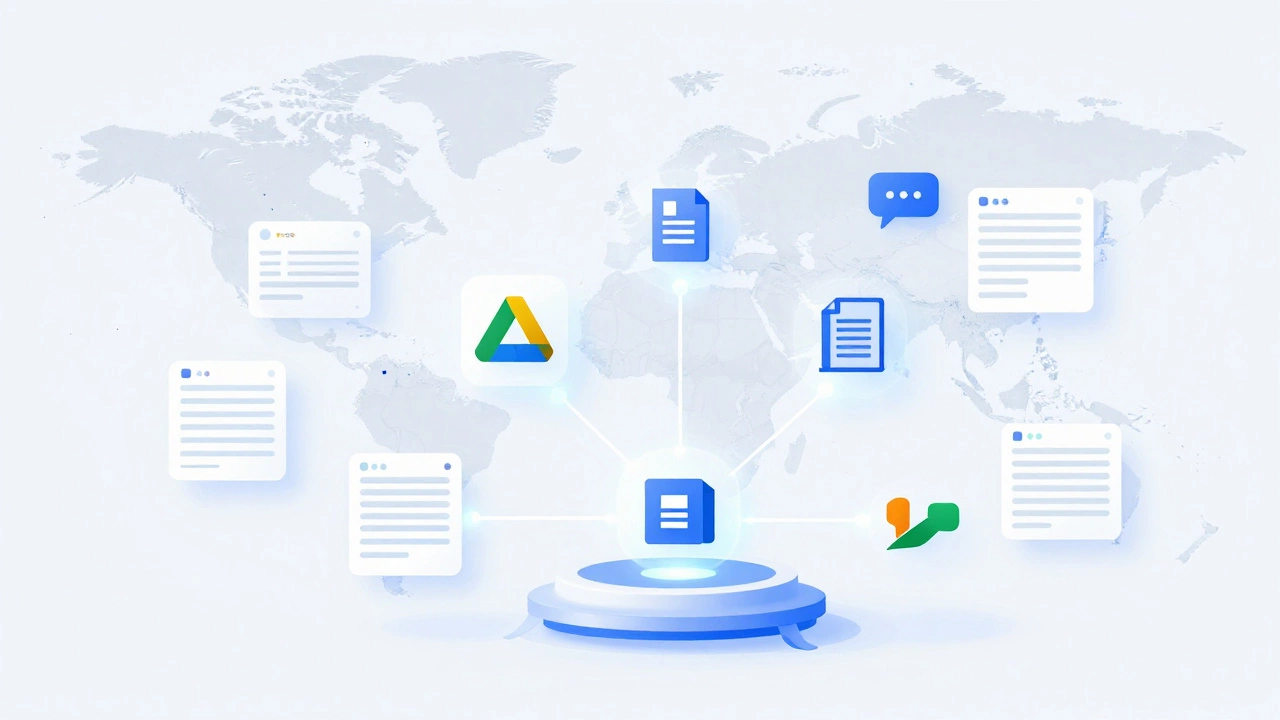
It’s not about features. It’s about access. Google Classroom integrates with Google Drive, Docs, Sheets, and Meet. Teachers can assign work, collect assignments, give feedback, and hold live classes-all in one place. Parents can get email summaries of missing work. Students can submit homework from a tablet, a shared school computer, or even a low-end smartphone.
How it compares to other major platforms
Other platforms have strong followings, but none match Google Classroom’s reach.
Moodle is powerful. It’s open-source, customizable, and used by many universities and corporate trainers. But it’s clunky. Setting it up requires technical know-how. Most schools don’t have IT staff to manage it. Teachers end up using it for basic tasks like posting PDFs and calling it a day.
Canvas is sleek and popular in higher education, especially in North America. It has better grading tools and analytics. But it’s expensive. Schools have to pay licenses per student. In countries where public education budgets are tight, Canvas just isn’t an option.
Coursera and edX dominate the adult learning space. They offer university-level courses from Stanford, MIT, and Harvard. But they’re not for K-12. They’re for people who already know what they want to learn. They don’t replace classroom learning-they supplement it.
Here’s how they stack up:
| Platform | Primary Users | Cost | Device Compatibility | Integration |
|---|---|---|---|---|
| Google Classroom | K-12 schools, public institutions | Free | Works on any browser, low-end devices | Google Workspace (Drive, Docs, Meet) |
| Moodle | Universities, corporate training | Free (self-hosted), paid hosting options | Requires modern browser, slower on mobile | Custom plugins, limited out-of-box |
| Canvas | Colleges, private schools | Paid (per student) | Good on desktop, decent mobile app | Zoom, Turnitin, Microsoft Teams |
| Coursera | Adult learners, professionals | Free courses, paid certificates | Mobile apps, desktop | LinkedIn, university portals |
| edX | University students, lifelong learners | Free audit, paid credentials | Mobile-friendly, desktop-focused | MIT, Harvard, IBM partnerships |
Google Classroom wins because it doesn’t ask you to change your habits. If you already use Gmail, you already know how to use it. No training needed. No onboarding. No tech support tickets. That’s why it’s everywhere.
Why other platforms struggle to catch up
Many platforms think more features = better adoption. But that’s not how real people learn. Most teachers aren’t tech experts. They’re overwhelmed. They need a tool that works the moment they open it.
Take Zoom. It’s great for live classes, but it’s not a learning platform. You still need to send assignments, track attendance, and grade work elsewhere. Google Classroom does all that. It’s the glue.
Platforms like Blackboard and Schoology used to be dominant in the U.S. But they’re aging. Their interfaces feel outdated. Their mobile apps lag. Their customer service is slow. And when Google made Classroom free and easy to use, schools didn’t just switch-they abandoned the old systems entirely.
Even in places with strict data privacy laws, like Germany and Australia, Google Classroom remains widely used. Schools use Google Workspace for Education, which meets GDPR and Australian Privacy Principles. It’s not perfect, but it’s trusted.
What this means for students and teachers
If you’re a student, you’re likely already using Google Classroom. You might not even realize it’s the platform holding your whole learning experience together. Your math teacher posts worksheets. Your science teacher shares videos. Your history class has a discussion thread. All of it lives there.
If you’re a teacher, you don’t have to learn five different systems. You don’t need to create accounts for parents. You don’t need to explain how to upload files. You just click “Create Assignment,” attach a Google Doc, and hit “Post.” Done.
It’s also accessible. A student in a village with slow internet can still download a PDF assignment. A child without a laptop can use a library computer. A parent who doesn’t speak English can get automated email summaries in their language-thanks to Google Translate integration.
What’s next for Google Classroom?
Google keeps adding features. In 2024, they rolled out AI-powered assignment suggestions. If you type “create a quiz on photosynthesis,” it offers ready-made templates. It also started auto-grading multiple-choice questions in some regions.
But Google isn’t trying to replace teachers. It’s trying to reduce their busywork. The goal isn’t to make learning more high-tech. It’s to make it more human.
Other platforms might have fancier dashboards. But none have the same reach. None have the same simplicity. And until someone builds something just as easy, free, and universal, Google Classroom will stay on top.
Real-world impact: A case from Sydney
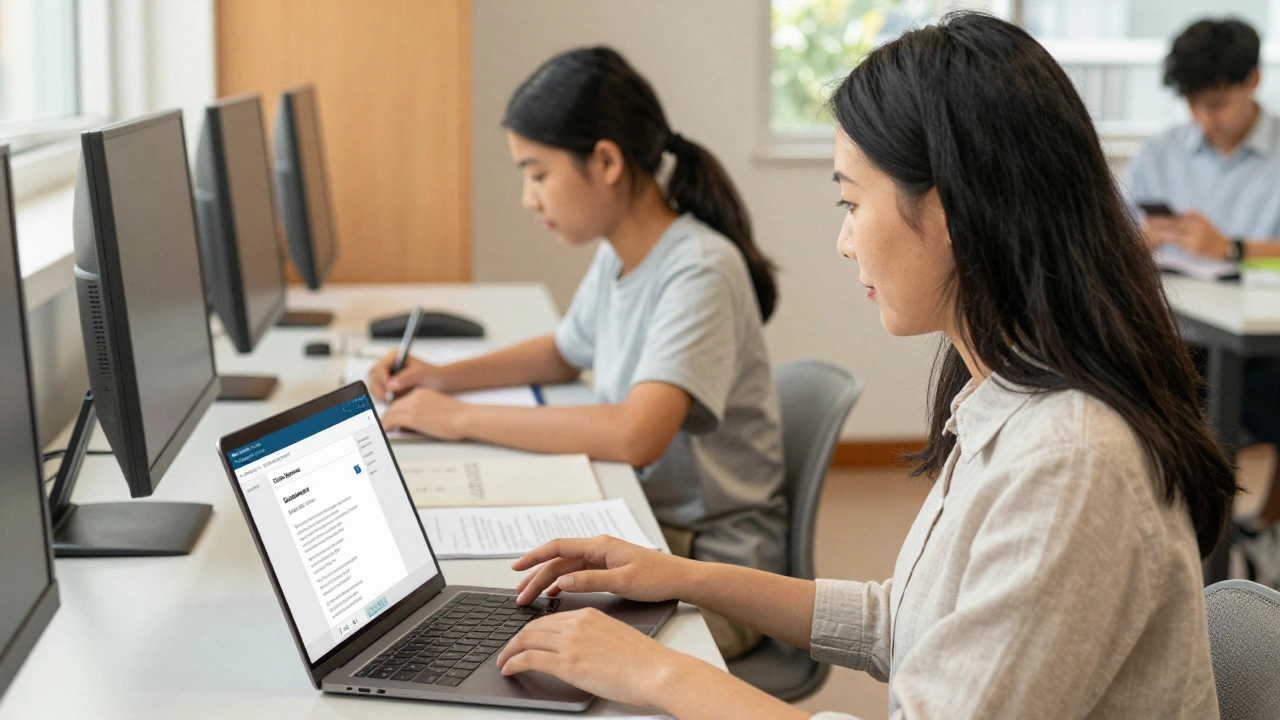
In 2023, a public high school in Western Sydney switched from a paid LMS to Google Classroom. They saved $18,000 a year in licensing fees. Teachers reported spending 40% less time on administrative tasks. Student submission rates jumped from 68% to 92% within three months.
Why? Because students didn’t have to remember another password. They didn’t have to wait for tech support. They didn’t have to download an app. They just opened Gmail-and their homework was right there.
That’s the power of simplicity.
Is Google Classroom the only platform used in schools?
No, but it’s the most common. Many schools use a mix-Canvas for university courses, Moodle for technical training, and platforms like Kahoot! for quizzes. But for day-to-day teaching in primary and secondary schools, Google Classroom is the default in most countries.
Can Google Classroom be used for higher education?
Yes, but it’s less common. Universities often prefer Canvas or Moodle because they offer advanced grading tools, rubrics, and plagiarism detection. Google Classroom lacks those features, so it’s mostly used for introductory courses or blended learning modules in colleges.
Is Google Classroom safe for children?
Yes, when used under Google Workspace for Education. Google complies with child privacy laws like COPPA and the Australian Privacy Act. Schools control what features are enabled. Students can’t message each other outside class, and ads are blocked. Parents can view activity reports.
Do I need a Google account to use Google Classroom?
Yes. Students and teachers need a Google account, usually provided by their school. Personal Gmail accounts can be used in some cases, but most schools require managed accounts for security and control.
Can Google Classroom work offline?
Partially. You can download assignments and view files offline using the Google Classroom app on Android or iOS. But submitting work, joining live classes, or checking grades requires an internet connection. It’s not designed as a fully offline tool.
What’s the biggest limitation of Google Classroom?
It’s not built for complex assessments. You can’t easily create timed exams, detailed rubrics, or peer review workflows. It’s great for basic assignments, but if you need advanced grading or analytics, you’ll need to pair it with another tool like Turnitin or Gradescope.
Final thought: It’s not about the platform-it’s about access
The most used digital platform isn’t the one with the most features. It’s the one that gets out of the way. Google Classroom doesn’t try to be everything. It just does the basics-sharing, submitting, communicating-better than anyone else.
For millions of students, especially those in under-resourced areas, that’s all they need. And that’s why it’s still the leader.