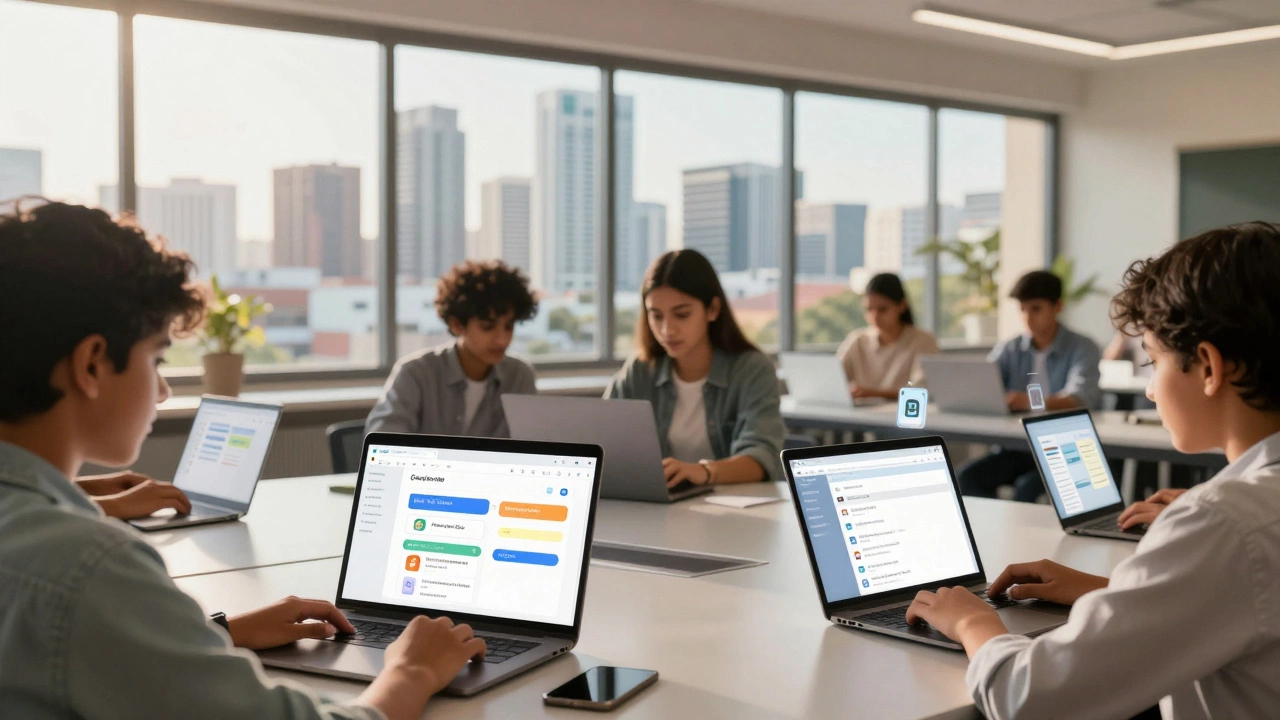
Google Classroom Suitability Analyzer
Answer these questions about your teaching context to see how well Google Classroom fits your needs.
Feature Match Breakdown
| Feature | Match Level |
|---|
Key Considerations:
When you open Google Classroom, a free web service developed by Google for schools that aims to simplify creating, distributing, and grading assignments, do you see a full-blown digital ecosystem or just a folder organizer with bells and whistles? The question "Is Google Classroom a digital platform?" comes up often among teachers, administrators, and parents trying to understand where this tool fits in the broader landscape of education technology. The short answer is yes, but it’s not the kind of all-in-one powerhouse some might expect. It is a specific type of digital platform-one focused on workflow management rather than content delivery.
To get this right, we need to strip away the marketing jargon. A digital platform, in the context of education, usually refers to software that connects users, facilitates interaction, and manages data. Google Classroom does exactly that. However, its architecture is built on top of other existing services, which changes how we define its capabilities. Let’s break down what makes it a platform, where it falls short, and why that distinction matters for your daily use.
Defining the Digital Platform in Education
Before labeling Google Classroom, we have to agree on what a digital learning platform actually is. In 2026, the term has evolved. It no longer just means a place to host videos. A true educational platform provides infrastructure for teaching and learning activities to happen online. This includes user authentication, content distribution, assessment mechanisms, and communication channels.
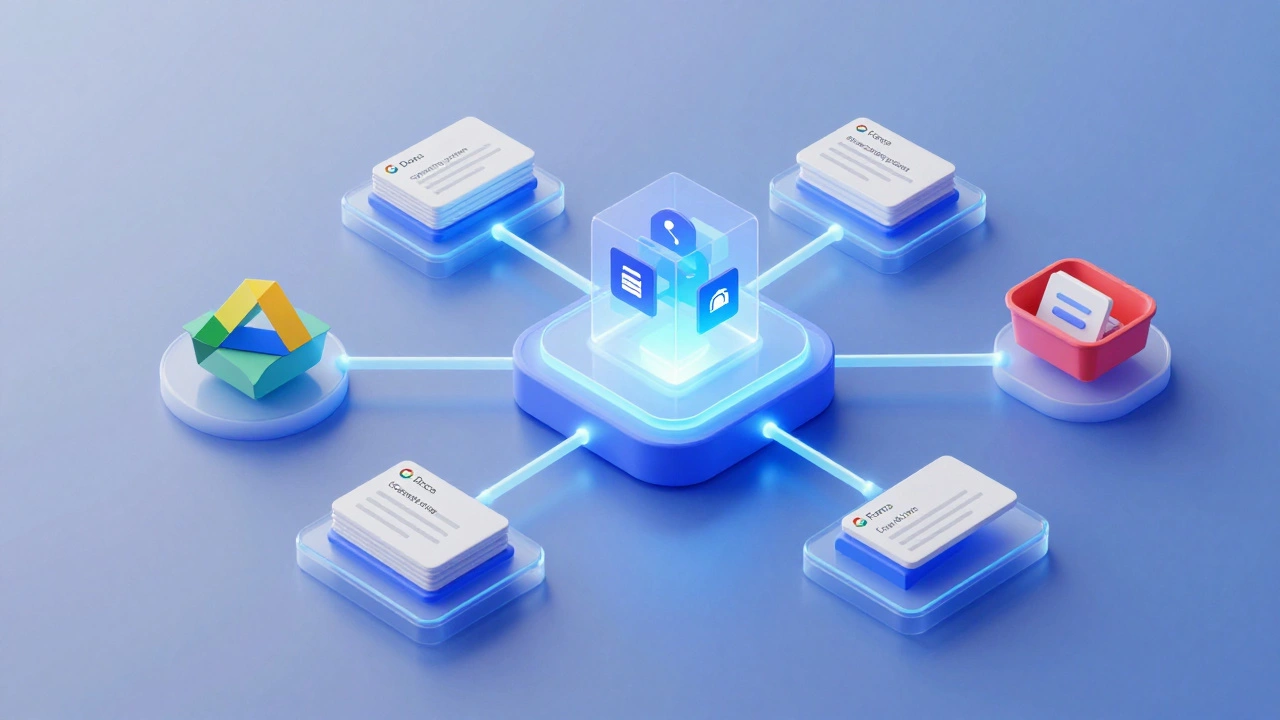
Google Classroom checks these boxes, but it does so by acting as a hub. Think of it like an operating system for your class. An operating system doesn’t always create the apps; it manages them. Google Classroom manages the flow of information between students, teachers, and Google Workspace tools. It is a Learning Management System (LMS), a software application used to plan, implement, and assess a specific learning process. While traditional LMS platforms like Canvas or Blackboard are standalone giants, Google Classroom is a lightweight, integrated layer. This integration is its defining feature. It relies heavily on the underlying infrastructure of Google Drive, Docs, and Gmail to function as a complete platform.
The Architecture: Hub vs. Engine
The reason people hesitate to call it a "platform" is that it feels dependent. If you turn off Google Workspace for Education, Classroom stops working. Is that a weakness? Not necessarily. It’s a design choice. By leveraging existing entities, Google Classroom reduces friction. You don’t need to learn a new file format or upload documents manually. The platform automates the creation of copies of documents for each student.
Consider the semantic relationship here: Google Classroom [integrates with] Google Drive. Google Drive [stores] files. Therefore, Google Classroom [manages access to] files without storing them directly in its own database. This is different from platforms like Moodle, which store everything internally. This architectural difference makes Google Classroom faster and easier to adopt, but it also means it lacks some deep customization options found in heavier platforms. For a teacher who wants a simple way to assign a worksheet and collect responses, this is perfect. For an institution needing complex gradebook analytics across multiple semesters, it might feel limited.
| Feature | Google Classroom | Traditional LMS (e.g., Canvas) |
|---|---|---|
| Primary Function | Workflow automation & assignment management | Comprehensive course management & content hosting |
| Data Storage | Relies on Google Drive | Internal server storage |
| Setup Complexity | Low (minutes) | High (days/weeks) |
| Customization | Limited (theme colors, basic settings) | Extensive (plugins, custom code) |
| Cost | Free (with Workspace) | Often paid per user |
Key Features That Confirm Its Status
If you’re wondering whether it qualifies as a platform, look at the interactions it enables. A platform must facilitate transactions-in education, those transactions are knowledge transfer and feedback loops. Google Classroom handles several critical workflows:
- Assignment Distribution: Teachers can post questions, attach resources, and set deadlines. The system notifies students automatically via email or push notifications.
- Submission Handling: Students submit work directly through the interface. The platform tracks late submissions, missing work, and returned assignments.
- Grading Interface: Teachers can view submissions inline, add comments, and return grades. This creates a closed loop of feedback.
- Communication Stream: The "Classwork" stream acts as a bulletin board for announcements, fostering asynchronous communication.
These features prove it is more than a simple tool. A tool performs one action (like a calculator). A platform orchestrates multiple actions between multiple users. When a teacher assigns a quiz created in Google Forms, and the results automatically populate the Classroom gradebook, that is platform-level functionality. It connects distinct applications into a cohesive experience.
Limitations: Where the Platform Model Struggles
No platform is perfect. Google Classroom’s strength-its simplicity-is also its limitation. Because it is designed to be easy, it lacks depth in certain areas. For example, its native assessment capabilities are basic. You can’t create complex, branched quizzes inside Classroom itself; you have to use Google Forms. While Forms is excellent, it is a separate entity. This separation can sometimes confuse younger students who aren’t sure if they should click "Turn in" in Classroom or submit in Forms.
Another gap is advanced analytics. Administrators looking for deep insights into student engagement patterns will find Classroom’s dashboard lacking compared to enterprise-grade LMS solutions. It tells you who turned in homework, but it doesn’t tell you how long they spent on it or which parts of the document they edited most frequently. For data-driven decision-making, schools often layer third-party tools on top of Classroom, which brings us back to the idea of it being a hub rather than an all-inclusive engine.
The Role of AI and Future Updates
As we move through 2026, artificial intelligence is reshaping what we expect from digital platforms. Google has been integrating AI features into Workspace, and Classroom is benefiting from this. Features like auto-generated summaries of discussions or suggested feedback based on rubrics are becoming more common. These additions strengthen its claim as a modern digital platform because they add intelligent layers to the basic workflow.
However, the core identity remains unchanged. It is still a facilitator of Google’s ecosystem. If you are outside that ecosystem-if you rely on Microsoft Office or Adobe Creative Cloud-Classroom becomes less of a seamless platform and more of a clunky bridge. File conversions become necessary, and the magic of instant collaboration fades. This dependency is crucial to remember when deciding if it’s the right fit for your specific needs.
Who Should Use It?
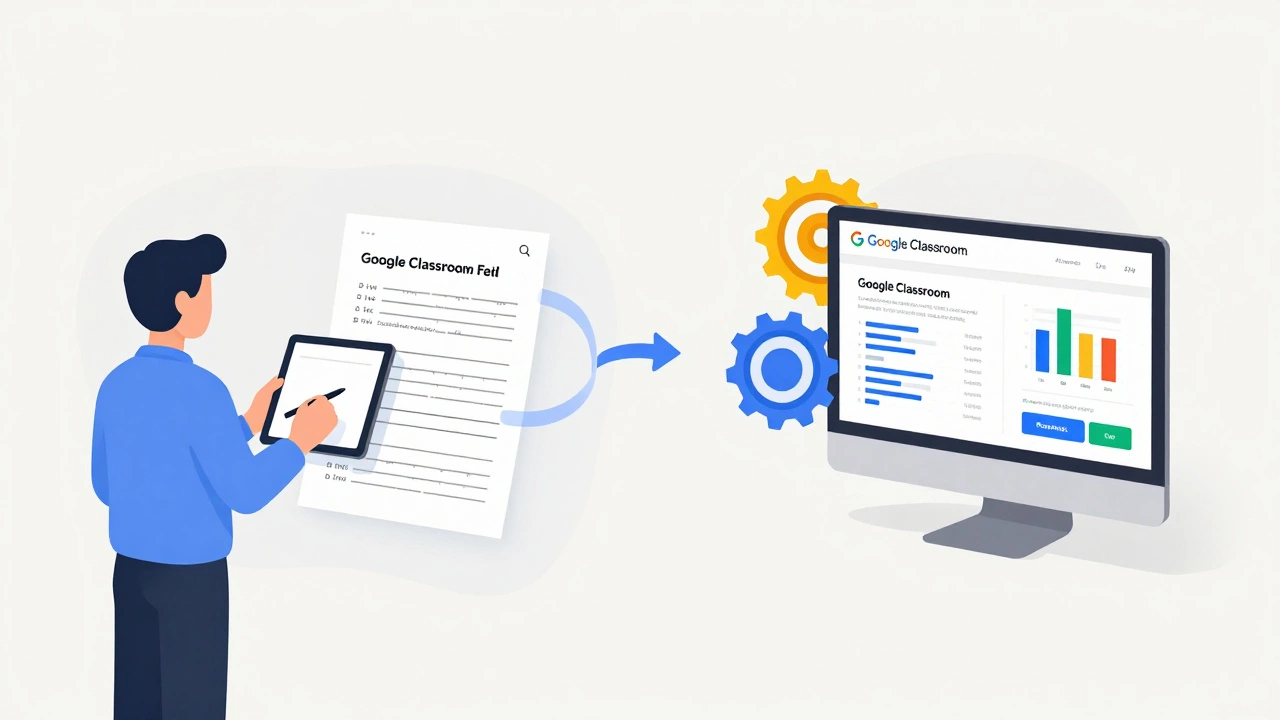
Understanding whether Google Classroom is a digital platform helps you decide if it’s the right one for you. Here’s a quick breakdown:
- K-12 Teachers: Ideal. The simplicity matches the need for quick setup and easy student adoption. The integration with Docs and Slides supports project-based learning effectively.
- University Professors: Mixed. Great for small seminars or discussion-heavy courses. Less ideal for large lecture halls requiring complex grading schemas, proctored exams, or extensive content libraries.
- Corporate Trainers: Limited. Unless your company uses Google Workspace extensively, dedicated Learning Experience Platforms (LXPs) offer better tracking and compliance features.
- Homeschool Parents: Excellent. Provides structure without cost. Parents can act as teachers, managing assignments and progress in a single view.
Conclusion: A Platform with Boundaries
So, is Google Classroom a digital platform? Yes. It is a specialized, cloud-based learning management system that orchestrates educational workflows within the Google ecosystem. It may not have the raw power or customization of heavyweight competitors, but its strength lies in its connectivity and ease of use. It transforms individual tools into a coordinated learning environment. For millions of users, that transformation is exactly what they need.
The key takeaway is to view it not as a replacement for all educational technology, but as a central nervous system for your classroom activities. If you embrace its strengths-integration, speed, and simplicity-it becomes an indispensable part of your digital teaching strategy. If you expect it to do everything, from hosting massive video lectures to conducting secure standardized tests, you’ll likely hit walls. Knowing its boundaries allows you to leverage it effectively.
Is Google Classroom free to use?
Yes, Google Classroom is free for anyone with a personal Google account or a Google Workspace for Education account. There are no premium tiers or hidden costs for the core features.
Can I use Google Classroom without Google Drive?
Technically, you can post links and text, but the platform is designed to integrate tightly with Google Drive. Without Drive, you lose the ability to easily create, share, and collaborate on documents, which is a primary benefit of using Classroom.
How does Google Classroom compare to Microsoft Teams for Education?
Microsoft Teams is more of a communication hub with meeting capabilities built-in, while Google Classroom focuses strictly on assignment workflow. Teams is better for synchronous meetings; Classroom is better for asynchronous task management.
Is my data safe on Google Classroom?
Google adheres to strict privacy standards, including COPPA and FERPA compliance for educational institutions. Data is encrypted in transit and at rest. However, since it stores data in the cloud, it’s important to follow your school’s or district’s security policies regarding account sharing and device usage.
Can students collaborate on assignments in real-time?
Yes, if the teacher assigns a Google Doc, Slide, or Sheet, multiple students can edit the same file simultaneously. This leverages the real-time collaboration features of Google Workspace, making group projects much smoother.