Beginner Coding Roadmap & Readiness Checker
Explore what to expect in your first month of coding and check if you're ready to start based on your current habits.
The First 30 Days Timeline
Click a week to see detailsYou learn variables, data types, and basic input/output. You will make mistakes constantly. This is normal.
You start seeing patterns. You realize that a loop is just a way to repeat actions without typing them out.
You hit a bug that takes hours to fix. You might want to quit. Push through.
You start writing code more naturally. You begin to enjoy the process of building something, even if it’s simple.
Are You Ready?
Answer honestly to get personalized adviceRecommended Next Steps
Quick Tips
Let’s be real: starting to code feels like trying to learn a new language while the native speakers are arguing about grammar. You open a tutorial, see a line of Python or JavaScript, and think, “Is this going to make sense, or am I just wasting my weekend?” The short answer is that coding for beginners is not hard if you approach it with the right mindset and realistic expectations. It is challenging, yes, but far less intimidating than most people imagine after their first hour of confusion.
The difficulty isn’t really about math or being a genius. It’s about logic, patience, and knowing when to stop guessing and start asking questions. If you can follow a recipe or solve a puzzle, you have the foundational skills needed to write your first program. The curve is steep at the very beginning because everything is new syntax, new terminology, and new ways of thinking. But once you get past that initial hurdle, progress becomes surprisingly steady.
What Actually Makes Coding Feel Difficult?
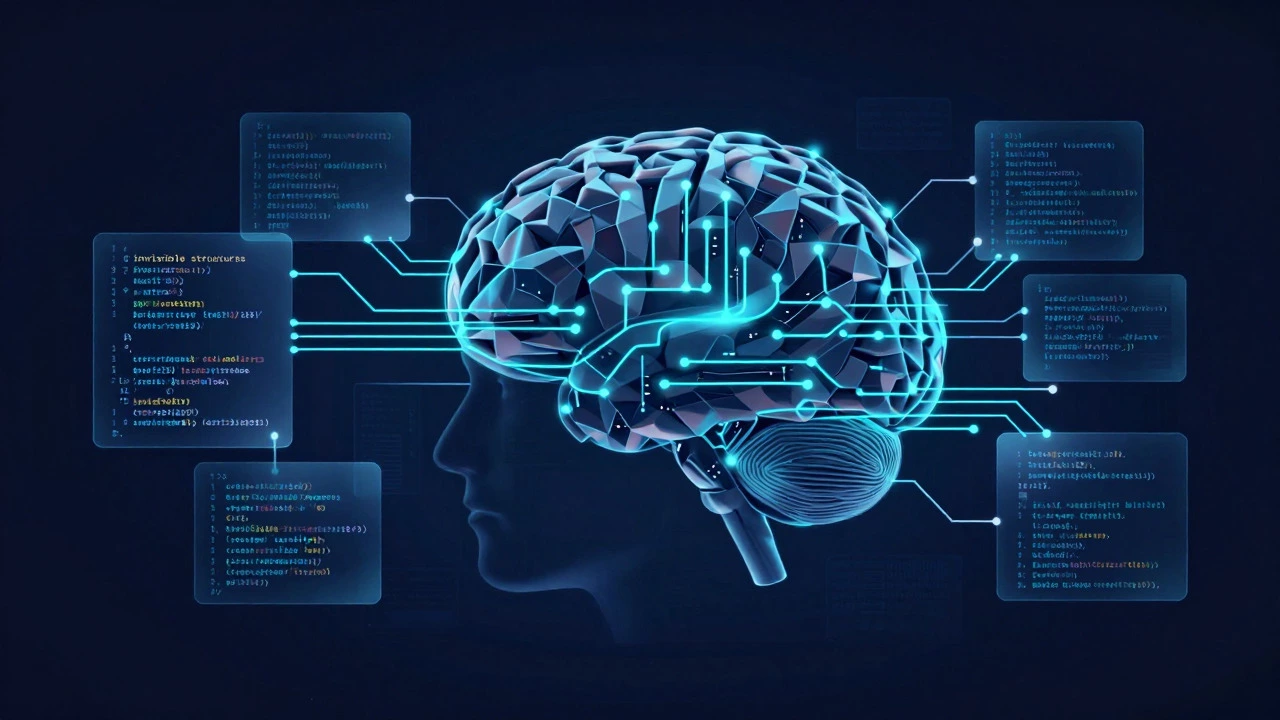
Most beginners don’t struggle with the computer itself; they struggle with the abstraction. In daily life, we deal with concrete things. In coding, we deal with invisible structures. When you tell a computer to "do this," you have to be precise. Miss a comma, and the whole thing breaks. This precision requirement is the primary source of frustration for newcomers.
- Syntax Errors: These are typos in the code. They feel personal, but they are mechanical. Fixing them teaches attention to detail.
- Logic Bugs: The code runs, but it does the wrong thing. This requires debugging skills, which take time to develop.
- Information Overload: There are too many languages (Python, Java, C++) and frameworks. Choosing one is often harder than learning it.
The good news? These difficulties fade quickly. Within two weeks of consistent practice, syntax errors become boring rather than scary. Logic bugs become puzzles you enjoy solving. The mental shift from "thinking like a human" to "thinking like a machine" happens faster than you expect.
The First 30 Days: What to Expect
If you sign up for Coding Classes or an online course, here is what your first month usually looks like. Understanding this timeline prevents panic.
- Week 1: The Confusion Phase. You learn variables, data types, and basic input/output. You will make mistakes constantly. This is normal. Your goal is simply to finish small exercises, not to build an app.
- Week 2: The Click Moment. You start seeing patterns. You realize that a loop is just a way to repeat actions without typing them out. Confidence builds as you solve problems independently.
- Week 3: The Frustration Spike. You hit a bug that takes hours to fix. You might want to quit. Push through. This is where resilience is built.
- Week 4: The Flow State. You start writing code more naturally. You begin to enjoy the process of building something, even if it’s simple.
By day 30, you won’t be a professional developer, but you will be a functional beginner who can read and write basic code. That is a massive achievement compared to day zero.
Choosing Your First Language Matters
Not all languages are created equal for beginners. Picking the wrong one adds unnecessary friction. For most people, Python is the gold standard. Why? Because its syntax reads almost like English. Instead of complex punctuation, you use indentation and clear keywords. It handles memory management for you, so you don’t have to worry about low-level details while learning core concepts.
JavaScript is another strong contender, especially if you want to build websites. Since every browser supports it, you can see results immediately in a web page. However, JavaScript has some quirks that can confuse absolute beginners, such as how it handles scope and types. If you choose between the two, stick with Python for pure logic learning and JavaScript for immediate visual feedback.
| Language | Best For | Learning Curve | Key Advantage |
|---|---|---|---|
| Python | Data Science, Automation, General Logic | Low | Clean syntax, huge community support |
| JavaScript | Web Development, Interactive UIs | Medium | Runs in browser, instant visual results |
| HTML/CSS | Front-End Structure & Styling | Very Low | Not true coding, but essential foundation |
| Java | Enterprise Apps, Android Development | High | Strong structure, industry standard |
Common Mistakes That Slow Down Progress
Many beginners waste months on inefficient habits. Avoiding these pitfalls can save you significant time.
- Tutorial Hell: Watching videos without typing along. Passive learning doesn’t stick. You must type every line yourself to build muscle memory.
- Perfectionism: Trying to write perfect code on the first try. Code is meant to be rewritten. Focus on making it work first, then improve it.
- Ignoring Documentation: Searching YouTube for every tiny error. Learning to read official documentation is a critical skill that saves hours later.
- Comparing Yourself to Experts: Seeing a senior developer solve a problem in five minutes makes you feel slow. Remember, they spent years getting there.
Consistency beats intensity. Coding for 30 minutes every day is infinitely better than coding for 8 hours once a week. Your brain needs sleep to consolidate new logical patterns.
Resources That Actually Help
You don’t need expensive bootcamps to start. Free resources are abundant and high-quality. The key is choosing one path and sticking to it.
For structured learning, interactive platforms like freeCodeCamp or The Odin Project provide guided paths where you build projects as you go. These are excellent because they force you to apply concepts immediately. If you prefer video-based learning, channels like CS50 by Harvard University offer rigorous, academic-style instruction that builds deep understanding.
When you get stuck, don’t just copy-paste solutions from forums. Try to understand *why* the solution works. Read the error message carefully. Break the problem into smaller parts. This debugging process is where the real learning happens. It is similar to fixing a car engine; you don’t just replace the part, you diagnose the cause.

Is Coding Still Worth It in 2026?
With AI tools becoming smarter, some people ask if learning code is still necessary. The answer is yes, but the role is changing. AI can generate boilerplate code, but it struggles with complex architectural decisions and unique business logic. Knowing how to code allows you to direct the AI effectively rather than relying on it blindly.
Furthermore, coding is a transferable skill. It teaches you how to break down complex problems, think logically, and communicate clearly. These skills apply to marketing, finance, design, and management. Even if you never become a software engineer, having coding literacy gives you a competitive edge in any tech-adjacent field.
Frequently Asked Questions
Do I need to be good at math to learn coding?
No. Most web development and general application coding requires only basic algebra and arithmetic. Advanced fields like machine learning or game physics require higher-level math, but you do not need that to start. Logic is far more important than calculus.
How long does it take to become job-ready?
It typically takes 6 to 12 months of consistent study (10-15 hours per week) to reach a junior developer level. This includes building portfolio projects and practicing interview questions. The speed depends heavily on your prior experience and dedication.
Which language should I learn first?
Start with Python if you want to learn general programming logic and data handling. Start with JavaScript if you are interested in building websites. Both are excellent entry points, but avoid jumping between languages in your first three months.
Is self-study enough, or do I need a degree?
A degree helps with networking and foundational theory, but it is not strictly required for most entry-level jobs. Many companies hire based on portfolio and technical interviews. Self-study combined with real-world projects is a proven path to employment, especially in the tech industry.
Why do I get frustrated so easily when coding?
Frustration comes from the gap between expectation and reality. You expect to understand everything immediately, but coding is iterative. Accept that debugging is part of the job. Set small goals, celebrate small wins, and take breaks when you hit a wall. Patience is a learned skill.