
Free Coding Journey Estimator
Planning to learn coding for free? This tool helps you estimate the realistic timeline to reach a "Junior Developer" job-ready level by accounting for study hours, consistency, and potential pitfalls like "Tutorial Hell."
Time to Job Ready:
-- Months
Why these estimates?
Based on industry averages for self-taught developers reaching a junior level with a strong portfolio:
- Fast Track 15+ hrs/week, high consistency, building projects: 6-9 months
- Standard 10 hrs/week, medium consistency: 12-15 months
- Slow Path <10 hrs/week, low consistency, tutorial-heavy: 18+ months
You want to learn coding. You see ads everywhere promising you’ll be a software engineer in six months if you just pay $10,000 for a bootcamp. But do you really need to spend that much money? Can you actually learn to code online for free and get a job?
The short answer is yes. The long answer is: it’s harder than people think, but completely possible. Thousands of developers today started with zero budget. They didn’t have mentors, they didn’t have paid tutors, and they definitely didn’t have expensive degrees. They had an internet connection and stubbornness.
| Feature | Free Self-Study | Paid Bootcamps |
|---|---|---|
| Cost | $0 (Time intensive) | $5,000 - $20,000+ |
| Structure | Self-directed, often chaotic | Curated, linear, guided |
| Community Support | Forums, Discord, Reddit | Cohorts, Mentors, Career Services |
| Job Placement Help | DIY Networking | Dedicated Career Coaches |
| Best For | Disciplined learners, hobbyists | Career switchers needing structure |
The Myth of the "Easy" Free Path
Let’s be real. When you search for "free coding classes," you’re bombarded with options. YouTube has millions of hours of content. Websites like freeCodeCamp, a non-profit interactive learning platform offering free full-stack web development certifications, and Codecademy offer structured paths. So why do most people fail?
They quit. That’s it. Without a teacher breathing down your neck or a deadline from a boss, motivation evaporates. You watch a tutorial on building a To-Do app. It feels easy. Then you try to build it yourself, and you stare at a blank screen for two hours because you don’t know how to handle state management. That frustration kills more dreams than lack of resources ever will.
But here’s the good news: if you can stick with it, the quality of free education today rivals paid programs. The difference isn’t the content; it’s the consistency. You have to become your own project manager.
Where to Start: The Best Free Resources
Not all free resources are created equal. Some are outdated. Some are too academic. Here is a curated list of what actually works in 2026.
1. Interactive Platforms
freeCodeCamp remains the gold standard for beginners. Why? Because it forces you to write code in the browser immediately. You don’t just watch videos; you solve challenges. Their curriculum covers HTML, CSS, JavaScript, Python, and data visualization. The projects are real-world scenarios, not abstract puzzles. If you finish their Responsive Web Design certification, you have a portfolio piece.
Another strong contender is The Odin Project, an open-source curriculum for full-stack web development. Unlike freeCodeCamp, Odin doesn’t hold your hand. It points you to the best external articles and asks you to set up your local environment. This is crucial. Learning to use the command line and Git early separates hobbyists from professionals.
2. Video Courses
If you prefer watching someone explain concepts before trying them, look at CS50 by Harvard University. Available on edX and YouTube, this introductory computer science course is legendary. It’s challenging, covering C, Python, SQL, and JavaScript. It teaches you how computers think, not just how to write syntax. Many employers respect CS50 completion because it proves you understand fundamentals, not just frameworks.
For specific technologies, channels like Traversy Media or Net Ninja on YouTube are excellent. They break down complex topics like React hooks or Node.js authentication into digestible chunks. Just remember: watching a video isn’t learning. Typing along is.
3. Practice Sites
You need muscle memory. Sites like HackerRank and LeetCode provide algorithmic challenges. These are less about building apps and more about problem-solving. Interviewers love these sites. Start with "Easy" problems. Don’t jump to Hard ones until you’ve solved 50 Easy questions. It builds confidence and pattern recognition.
The Hidden Costs of Free Learning
When we say "free," we mean no cash outlay. But there are other costs you must budget for.
- Time: Expect to spend 10-20 hours a week. If you work full-time, this means evenings and weekends. Consistency beats intensity. One hour every day is better than eight hours on Sunday.
- Hardware: You don’t need a supercomputer. A mid-range laptop from five years ago runs VS Code and Chrome fine. However, if you dive into machine learning later, you might need cloud credits, which are often free for students initially.
- Mental Energy: Debugging is exhausting. You will feel stupid. You will question your life choices. This is normal. Every senior developer has been where you are.
Building a Portfolio Without Spending Money
Employers don’t care about your certificates as much as they care about what you’ve built. Since you’re learning for free, your portfolio is your proof of skill.
Start small. Build a personal website using HTML and CSS. Host it for free on GitHub Pages. Next, add interactivity with JavaScript. Make a weather app that fetches data from a free API. Then, try a backend project. Use Node.js and Express to create a simple blog API. Store data in MongoDB Atlas, which offers a free tier.
Document your process. Write a README file for each project. Explain what problem you solved, what tech stack you used, and what you’d improve next time. This shows communication skills, which are vital for teamwork.
Overcoming the "Tutorial Hell" Trap
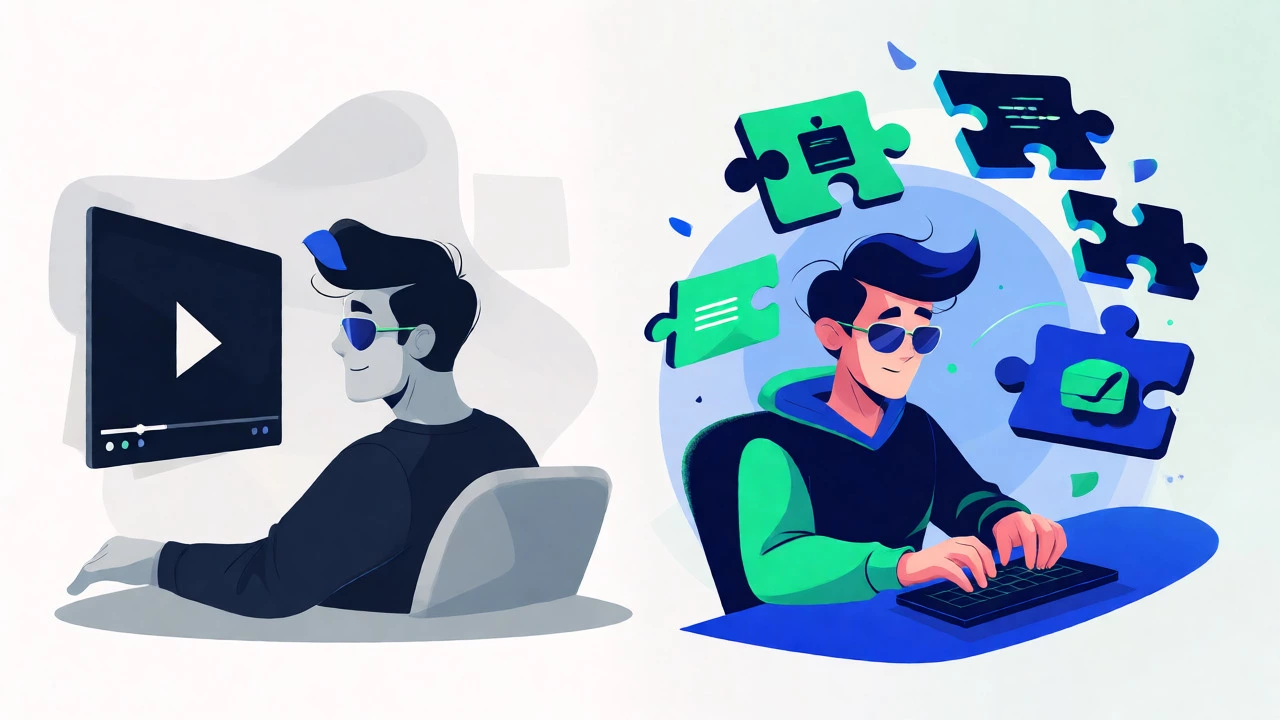
This is the biggest pitfall for self-taught coders. Tutorial hell is when you constantly follow tutorials without trying to build anything independently. You feel productive because you’re writing code, but you’re not actually learning how to solve new problems.
Here’s how to escape:
- Watch once: Follow the tutorial to understand the logic.
- Build blind: Close the video. Try to recreate the project from scratch. Struggle through it.
- Break it: Once it works, change something. Add a feature. Break the layout. See if you can fix it.
- Refactor: Clean up your code. Rename variables. Remove comments you don’t need.
If you can’t build it without looking, you haven’t learned it yet. Go back and study the specific concept you got stuck on.
Networking and Community Support
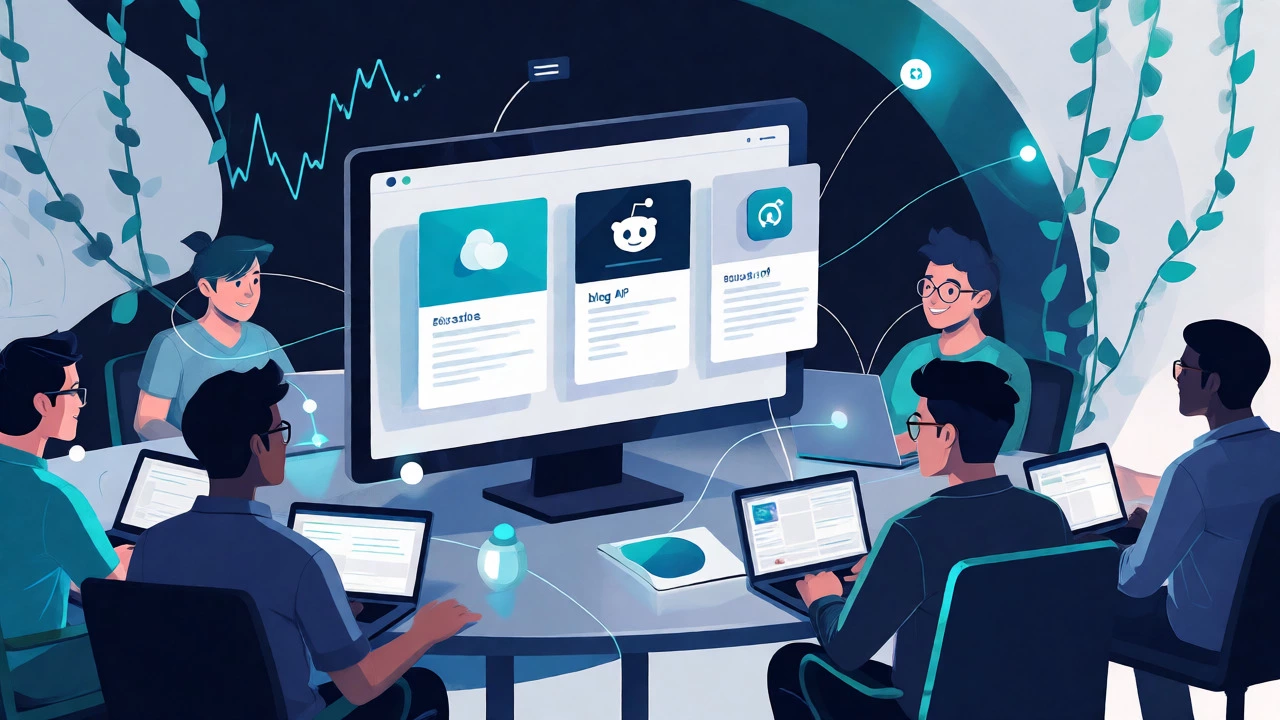
One advantage paid bootcamps have is community. You can replicate this for free. Join Discord servers related to your learning path. Participate in Reddit communities like r/learnprogramming. Attend local meetups if you’re in Sydney or other cities; many are free and sponsored by tech companies.
Don’t be afraid to ask questions. But do your homework first. Search for the error message. Read the documentation. Post your question with context: what you tried, what you expected, and what happened. People help those who show effort.
Is It Enough to Get Hired?
Yes, but with caveats. Your resume won’t have a prestigious university name. You’ll compete against graduates. To win, you need to demonstrate practical skills faster than they can.
Focus on one niche. Don’t try to learn Java, Python, C++, and Ruby simultaneously. Pick one stack. For web development, JavaScript is the safest bet because it runs on both front-end and back-end. Master it. Build three solid projects. Apply to junior roles. Highlight your GitHub activity. Show that you code every day.
Some companies still filter by degree. That’s okay. Look for startups and smaller firms that value portfolios over credentials. Freelancing platforms like Upwork can also help you gain initial experience, even if the pay is low at first.
Troubleshooting Common Roadblocks
I’m stuck on setup. Environment configuration is annoying. Use Docker if possible, or stick to beginner-friendly tools. Don’t let setup stop you from coding. If it takes more than a day, ask for help online.
I forget everything. You will. That’s why we take notes. Keep a digital notebook. Document common errors and their fixes. Revisit old projects to refresh your memory.
I’m overwhelmed by choices. Pick one path and stick with it for six months. Don’t switch languages every month. Depth matters more than breadth right now.
How long does it take to learn coding for free?
It varies based on your schedule and background. If you study 10-15 hours a week, expect 6-12 months to reach a junior developer level. Consistency is key. Rushing leads to gaps in knowledge.
Are free coding certificates worth anything?
Certificates alone aren't magic tickets. However, completing recognized free courses like freeCodeCamp or CS50 shows discipline and foundational knowledge. Employers value the projects you build alongside the certificate more than the paper itself.
Do I need a math background to learn coding?
No. Most web development tasks require basic arithmetic and logic, not calculus. Math becomes critical in fields like data science, machine learning, or game development. For general software engineering, logical thinking matters more than advanced math.
Which language should I start with?
Python is great for beginners due to its readable syntax. JavaScript is ideal if you want to build websites quickly. Choose based on your goal: Python for data/scripting, JavaScript for web apps. Stick with it for at least three months before switching.
Can I get a job without a degree?
Absolutely. Many successful developers are self-taught. Focus on building a strong portfolio, contributing to open source, and networking. Smaller companies and startups are often more flexible regarding formal education requirements.